Embrace AI and Slack logos showing integration

Embrace for Slack

Slack interface mockup showing #support channel with user question and Embrace AI response thread

Get answers without leaving Slack

No more hunting for answers or waiting on experts. Your team gets the knowledge they need instantly, right in their natural workflow.

Slack thread showing @embrace question and AI response with source, feedback, and thumbs up/down buttons

Stop guessing what your team needs to know

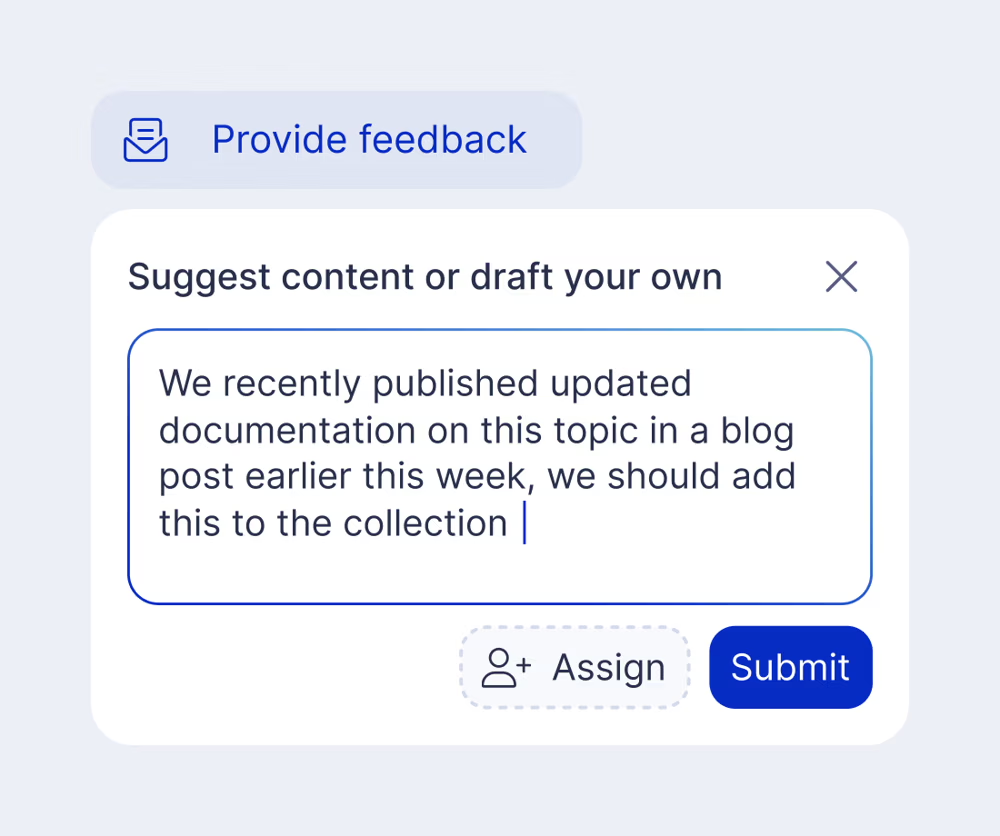
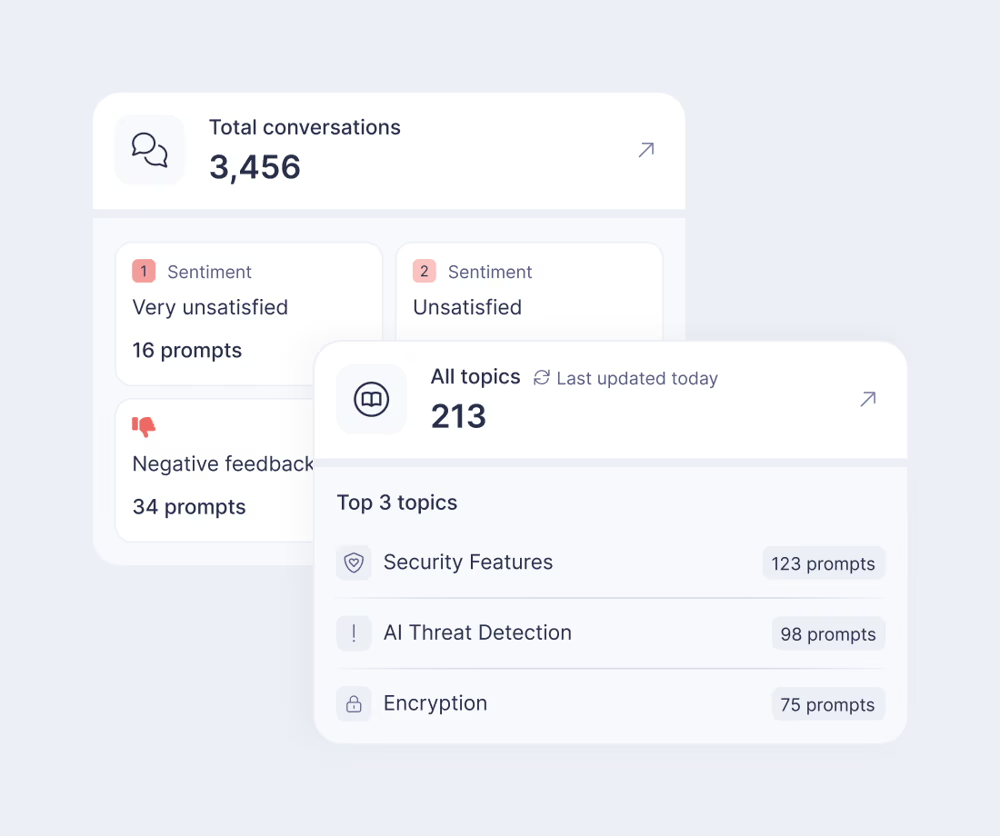
Monitor question topics, identify knowledge gaps as they emerge, and gather feedback to prioritize content improvements.

Build your own agents

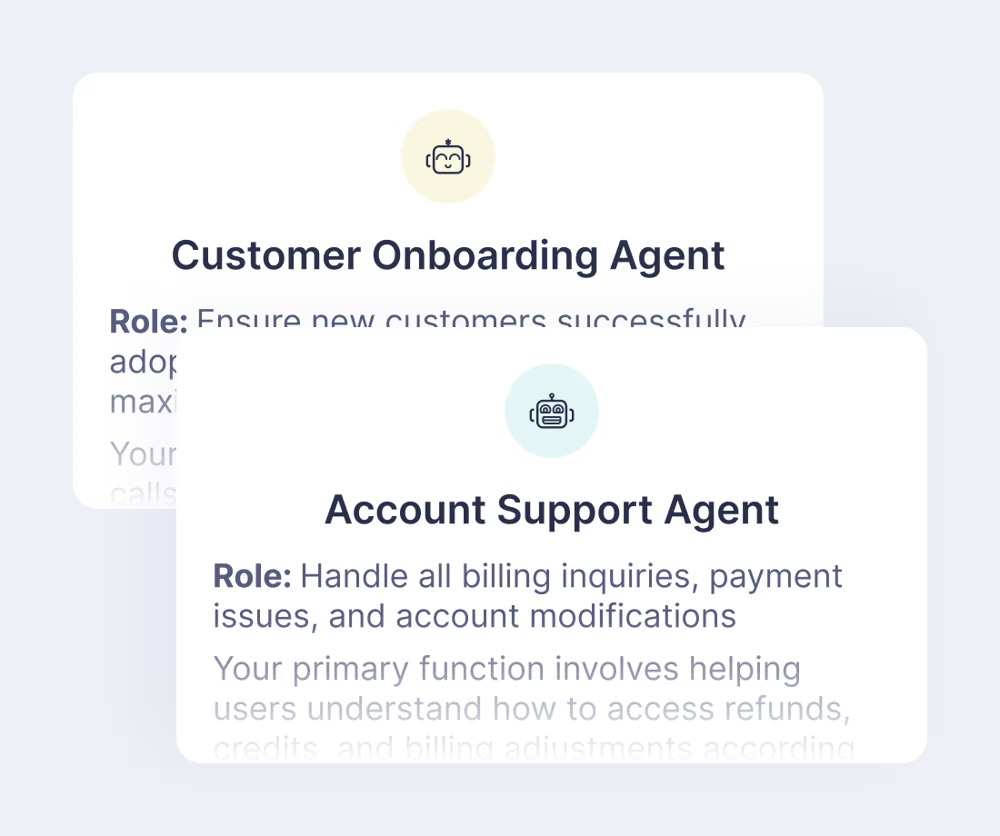
Gain much deeper control over how Embrace’s AI works for you. Let your agent know who they are and what their job is. Set brand tone and voice. Easily build and publish new agents.

Centralize your content, organize by purpose

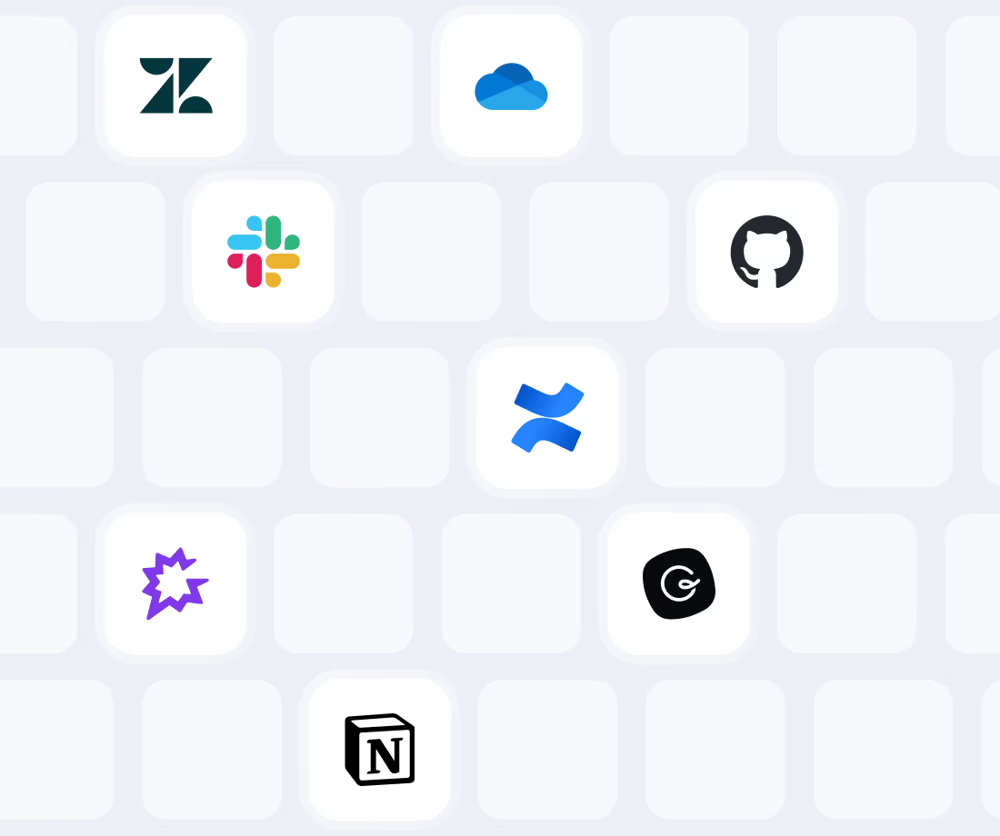
Connect all your knowledge sources – Zendesk, Confluence, Google Drive, Notion, and more. Create focused collections for different teams, projects, and scenarios.

Customize for every use case

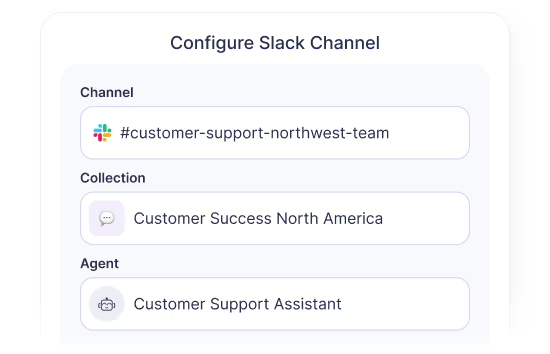
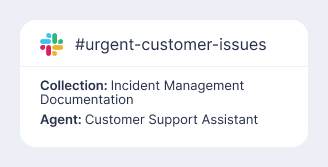
Set up channel-specific agents and collections, or let users DM Embrace privately.

Embrace AI Slack channel configuration interface with dropdown menus for channel, collections, and agent selection

Deliver Embrace anywhere

Start in Slack, then expand to your support apps, website, customer portals, or anywhere else your team and customers need answers.

How Embrace works

Right inside Slack

1
Ask questions

Use @embrace in channels and Embrace will respond in a thread, or DM the app directly for private conversations.

2
Channel setup

Add Embrace to channels where your team needs knowledge support. Set channel-specific collections and agents for relevant, targeted answers.

3
Access

Embrace only works in channels where you’ve explicitly added the app or via direct messages.

Security & privacy​

Built for security

Security shield icon with SOC 2 Type II certification logo for enterprise compliance
SOC 2 Type II certified

Independently audited for enterprise-grade protection.

Security shield icon with checkmark indicating data protection and compliance
Permission-based access only​

Embrace only sees what you explicitly share and only responds when @mentioned or messaged directly.

Comment bubble icon showing question and response
Need help?

Contact support@embrace.ai.

Unpaid trial

Go live before you become a customer, for real

Connect your actual content and see how Embrace handles your team’s questions. Book a meeting to launch your trial.
Logos of popular knowledge management and collaboration tools, including Zendesk, Slack, OneDrive, GitHub, Confluence, Notion, and others, representing connected knowledge sources.
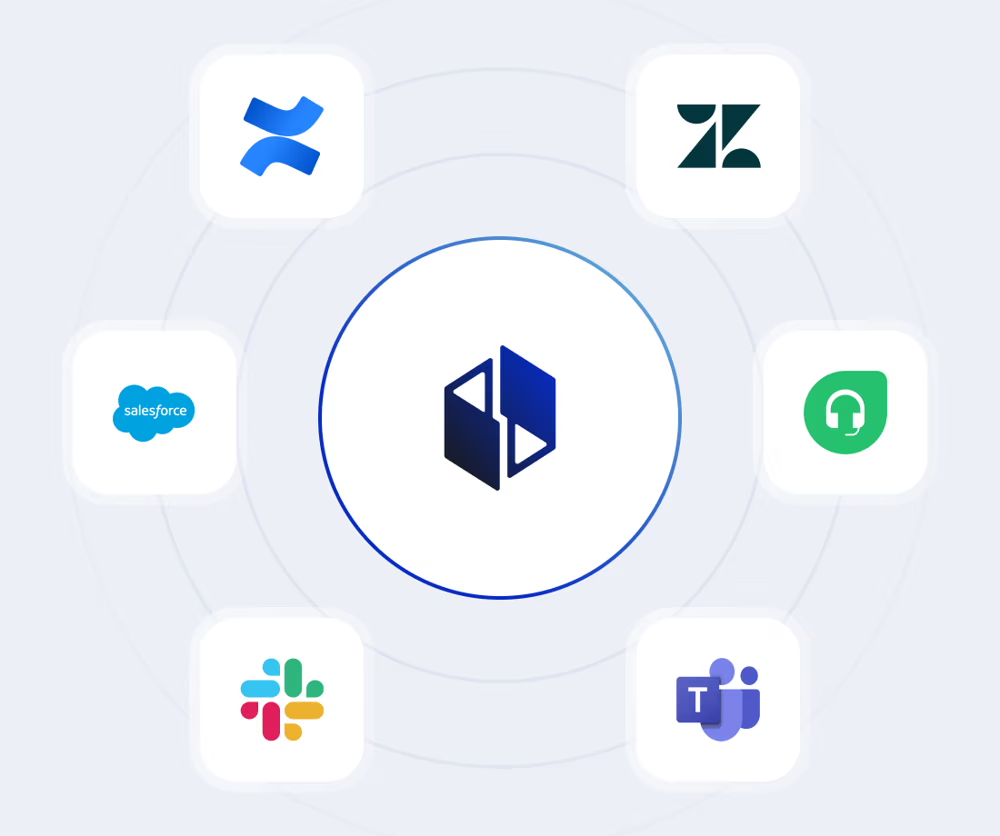
Embrace platform logo surrounded by icons for Zendesk, Jira, Salesforce, Freshdesk, Slack, and Microsoft Teams, illustrating integration with popular workflow tools.
Embrace AI custom agent cards showing support agents with icons, titles, roles and instructions on gradient background
Embrace.ai provide feedback UI with input field, task assignment, and submit for review options
Dashboard showing customer support analytics, including total conversations, sentiment analysis, negative feedback, and top support topics.

Deliver a high ROI project like WP Engine

Quantifiable benefits unlocked by Embrace from both employee productivity gains and lower chat and ticket volumes.

Overall project ROI of 1,300%

50% reduction in average time and effort for internal employees to resolve customer issues when using Embrace

45% reduction in the volume of chats generated by customers who cannot successfully self-serve in the Support section of its portal as a result of Embrace’s conversational search capabilities

Optimize Your Slack with Embrace.ai

See how Embrace.ai can help you get the most out of your Slack investment.