
❄️ Winter 2025 Release ❄️
This Winter Release represents a big leap forward for Embrace – not just in what the platform can do, but in what your teams can do with it.
From smarter knowledge creation to truly agentic workflows and deeper integrations across your support stack, this release is about one thing:
👉 Helping Embrace work with your team, not just respond to them.
Embrace’s Winter 2025 Release introduces several key themes aimed at enhancing support operations:
🤖 Intelligent Knowledge Management
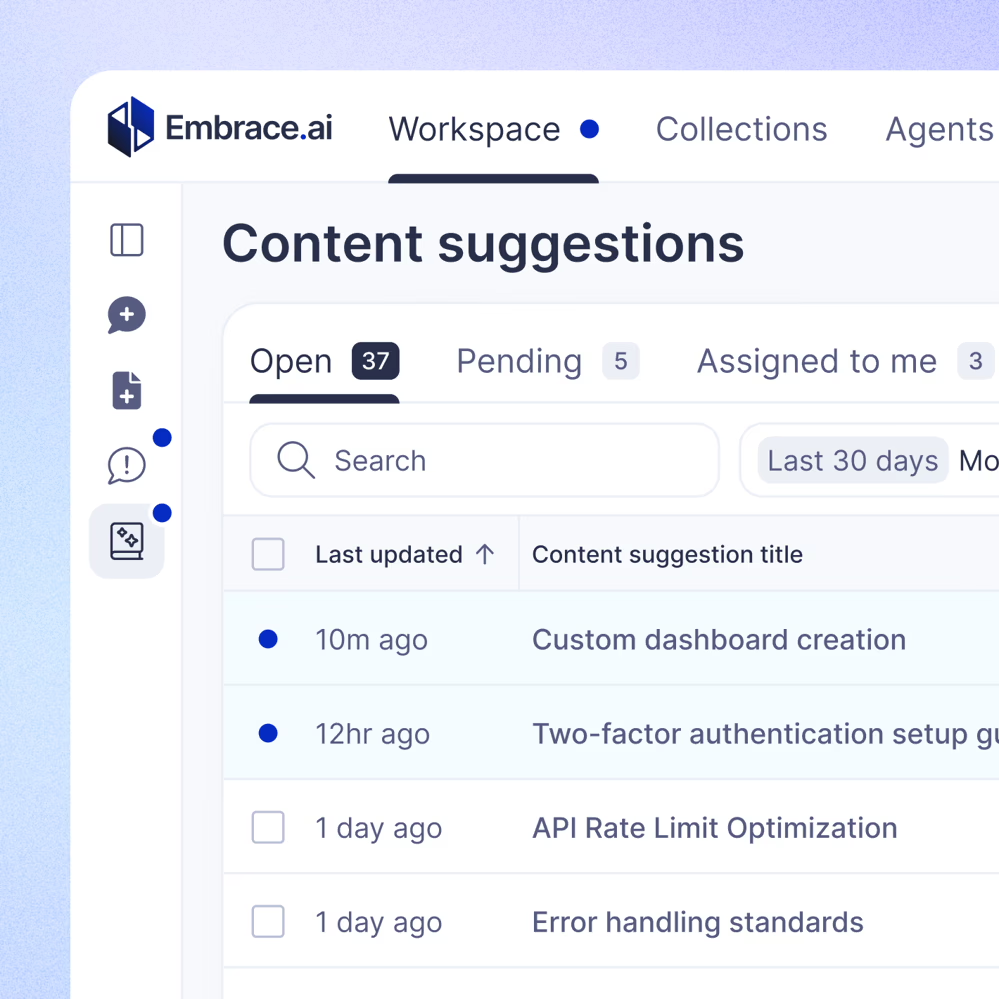
The new Content Suggestions feature automatically identifies and fills knowledge gaps in your Collections by recommending relevant content from other sources. This ensures your support materials remain comprehensive and up-to-date, reducing the time your team spends authoring new information and improving response speed and accuracy.
🛠️ Agentic Tools
Embrace’s Agentic Tools enable the platform to autonomously interact with and perform actions across various systems. This advancement allows Embrace’s AI Agents to execute tasks such as creating tickets, managing workflows, and retrieving information from integrated platforms like Zendesk, Salesforce, and Jira. Tools allow organizations to reduce manual workload, minimize errors, and accelerate response times, leading to more efficient and effective support operations.
🔗 Expanded Integrations and Content Organization Capabilities
Embrace now supports ingesting and syncing data from sources like Zendesk tickets, the Salesforce knowledge base, Jira tickets, Gong calls, and Slack channels, with granular control over which tickets, channels, and content are included. Additionally, Collections can be organized into folders, simplifying content management and allowing teams to quickly locate and utilize necessary information.
🔒 Improved Security and Configuration
Enhanced controls allow Embrace Customers to restrict access to specific tools, agents, and workflows, ensuring that only authorized personnel can access certain functionalities.
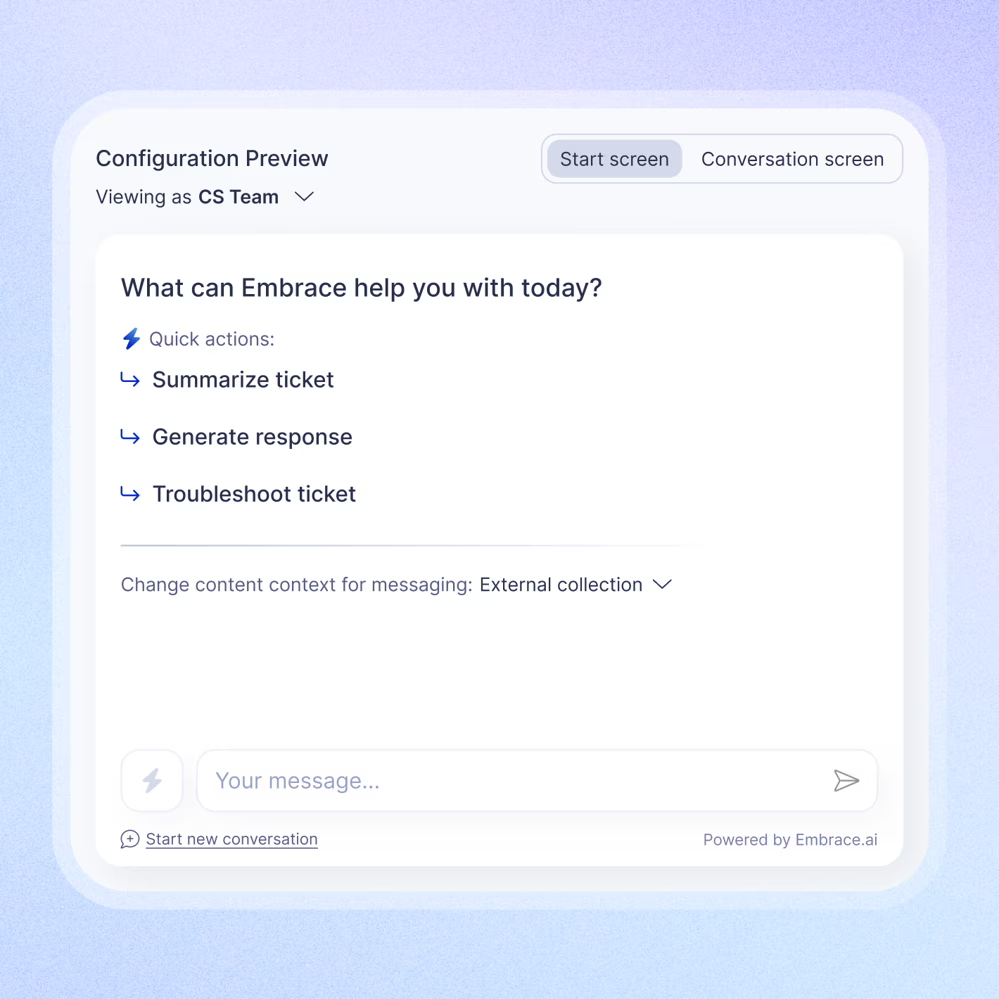
Improved setup options for the Embrace widget, including real-time previews and customization, allow for a more tailored user experience.
We’re excited to share these new features and improvements. A more detailed breakdown is below.
Content Suggestions
What it does: Embrace now automatically identifies and fills knowledge gaps in your Collections by suggesting relevant content from other sources.
Why it matters: This feature ensures your support content remains comprehensive and up-to-date, reducing the time agents spend searching for information and improving response accuracy.
Agentic Tools
What it does: Embrace’s new Agent Tools empower support agents to securely perform actions across integrated systems.
Why it matters: By enabling agents to take direct actions within platforms like Zendesk and Jira, Embrace streamlines support workflows, reducing the need to switch between systems and thereby increasing efficiency. The ability to perform live web searches where appropriate equips agents with up-to-date information, enhancing the quality of support provided.

Images in Prompts
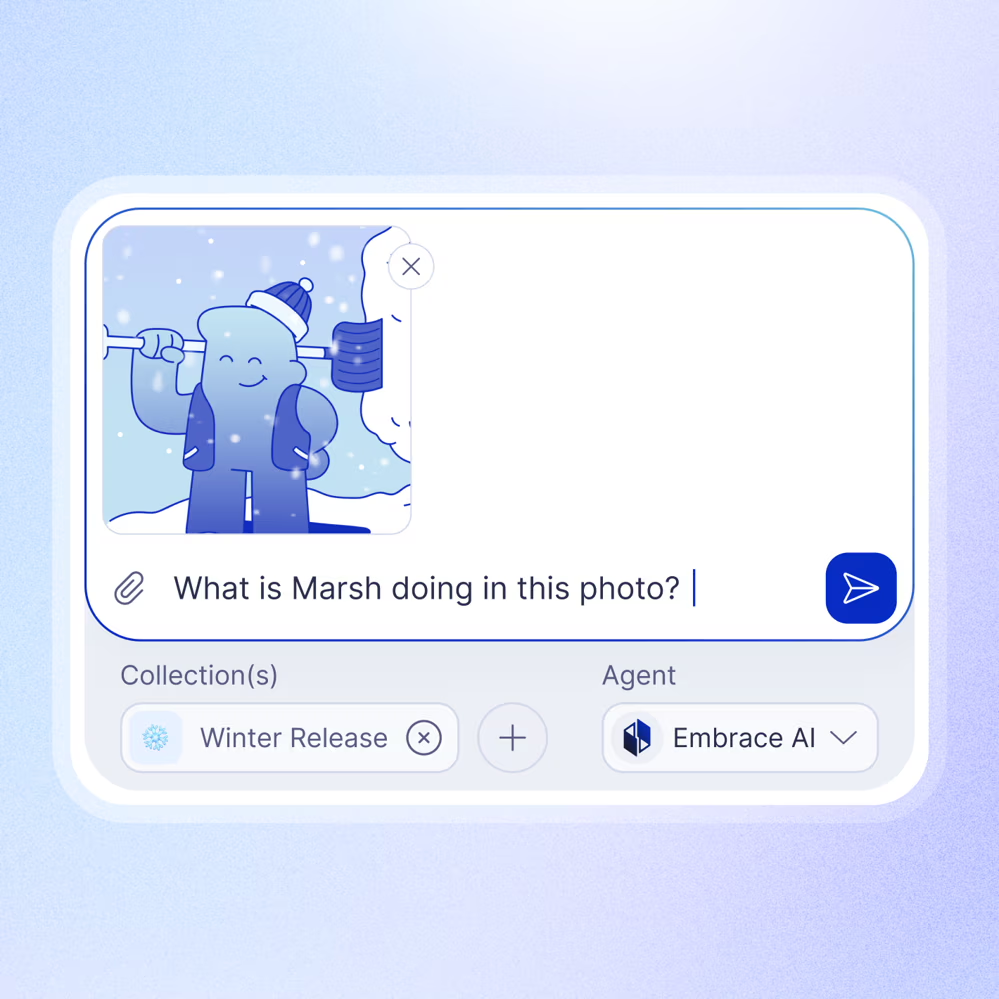
What it does: Agents can now attach and interpret images, such as screenshots, within prompts.
Why it matters: This capability enhances troubleshooting by allowing agents to provide visual context, leading to faster and more effective issue resolution.
Expanded Integrations
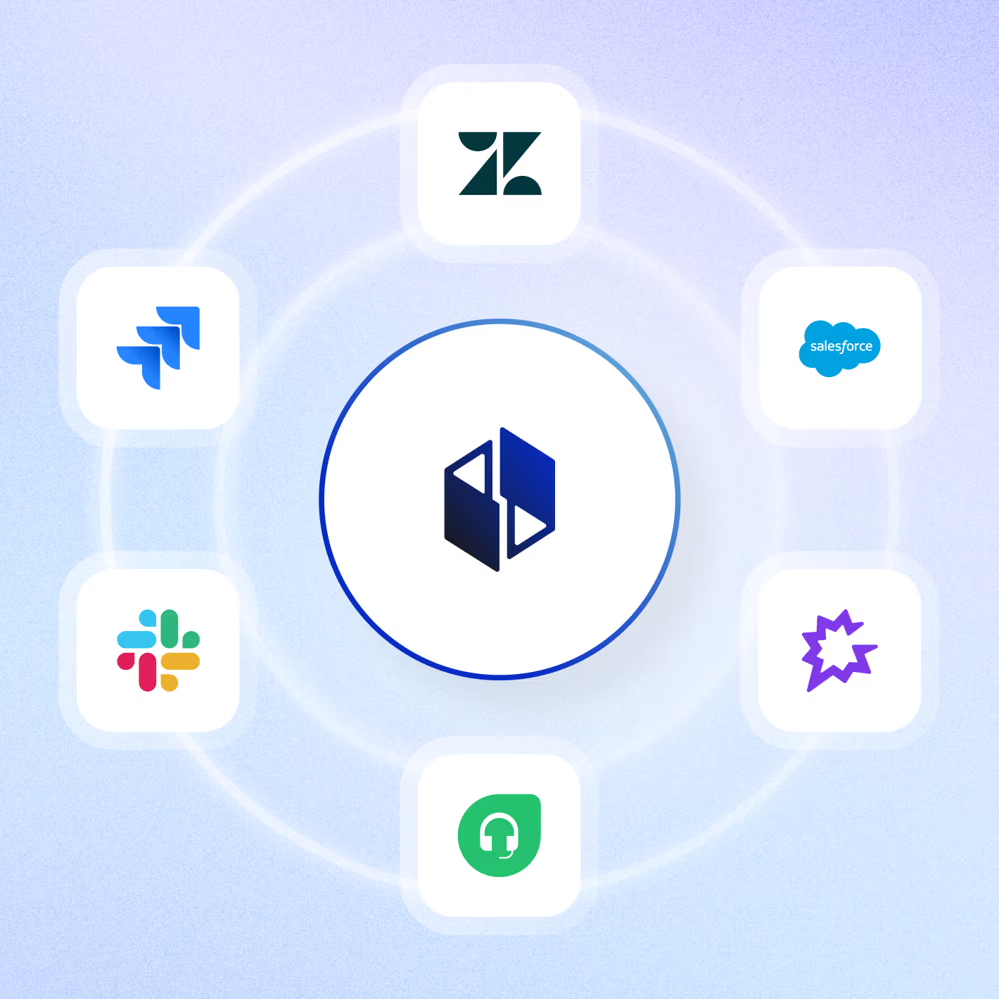
What it does: Embrace now supports ingesting and syncing data from platforms like Zendesk, Salesforce, Freshdesk, Jira, Gong, and Slack, with granular control over which tickets or channels are included.
Why it matters: Centralizing data from multiple platforms provides a holistic view of customer interactions, enabling more informed decision-making and streamlined workflows.
Permissions and Security
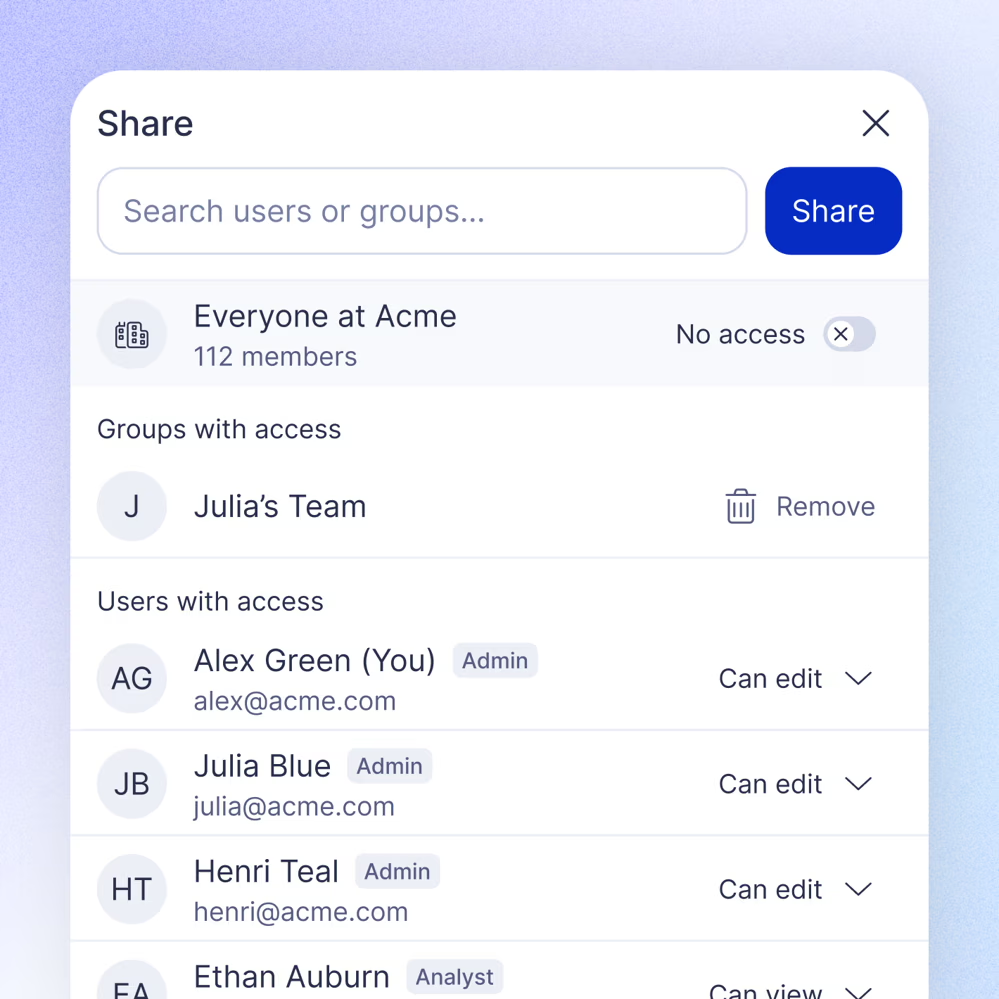
What it does: Enhanced controls allow admins to restrict access to specific tools, agents, and workflows.
Why it matters: Improved security measures ensure that only authorized personnel can access certain functionalities, protecting sensitive information and maintaining compliance.
Widget Configuration
What it does: Improved setup options for the Embrace widget, including real-time previews.
Why it matters: These enhancements allow for a more tailored user experience, ensuring the widget aligns with your brand and meets specific user needs.
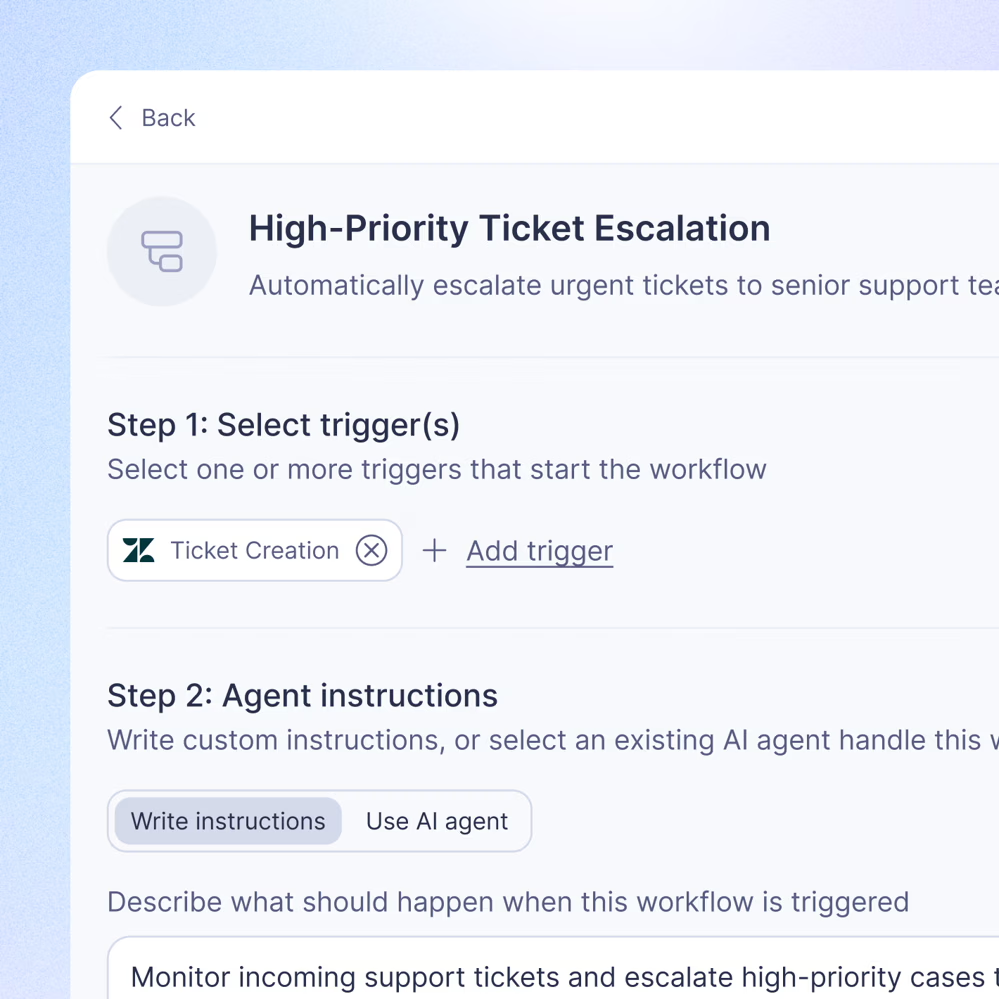
Automations and Notifications
What it does: New automations and email notifications.
Why it matters: Automating routine tasks and setting up notifications keeps your team informed and efficient, reducing manual workload and response times.
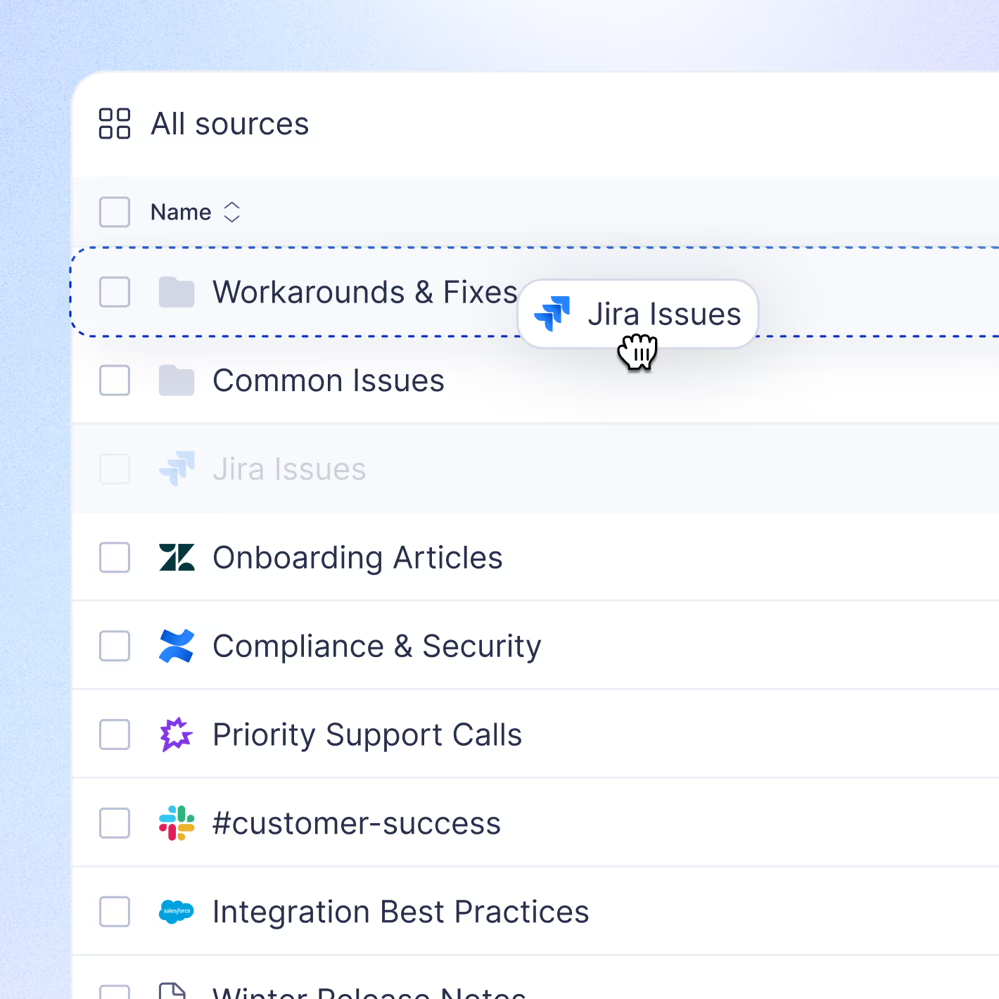
Collection Organization
What it does: Collections can now be organized into folders, making it easier to manage large volumes of content.
Why it matters: This organizational feature simplifies content management, allowing teams to quickly locate and utilize necessary information.
These updates are designed to make your support operations more efficient and effective
We look forward to seeing how they enhance your team’s performance. Please let us know if you’d like to set time to get a walkthrough of any of these new capabilities and we can set a call.
Contact us
Book a demo